
If your morning brain has ever frozen at the Dunkin’ counter while a dozen strangers silently judge your ability to choose between hot coffee and iced coffee, welcome. You are among friends. Ordering Dunkin coffee is not hard, but it can feel weirdly stressful when there are flavors, dairy options, sweeteners, sizes, and an app that promises speed while also tempting you to customize your drink like you are auditioning for a barista talent show.
The good news: once you know the basic formula, ordering Dunkin coffee gets much easier. Whether you like walking up to the counter, rolling through the drive-thru, or tapping your way through the app while still wearing pajama pants, there is a simple way to get exactly what you want without sounding confused or ending up with a drink that tastes like regret.
In this guide, you’ll learn how to order Dunkin coffee in person, how to order on the app, how to customize without overcomplicating things, and when each method makes the most sense. We’ll also cover practical tips, sample orders, rewards, payment options, and real-life ordering experiences so you can stop overthinking and start sipping.
First, Know What You Want Before You Order
The fastest way to order Dunkin coffee is to decide on the basics before you reach the register or open the app. Dunkin’s menu is built to be flexible, which is great for customization but not always great for indecisive people standing in line.
Start with these five choices:
- Temperature: hot or iced
- Drink type: regular coffee, cold brew, espresso drink, latte, macchiato, cappuccino, or something seasonal
- Size: small, medium, or large
- Dairy or milk choice: cream, whole milk, skim milk, oat milk, almond milk, or another available option
- Sweetness and flavor: sugar, liquid sweetener, flavor shot, flavor swirl, or no sweetener at all
If you want to sound organized instead of caffeinated and chaotic, use this easy order formula:
Size + hot/iced + drink + milk choice + sweetener/flavor + extras
For example:
- “Medium iced coffee with cream and one flavor swirl.”
- “Large hot coffee, black, no sugar.”
- “Small iced latte with oat milk and no added sweetener.”
That one formula works at the counter, in the drive-thru, and in the app. It is the coffee-ordering equivalent of learning a basic dance step. Once you know it, you stop stepping on your own feet.
How to Order Dunkin Coffee In Person
Ordering in person is still the easiest option for people who want human interaction, quick help, or the freedom to make a small change without tapping through multiple screens. It also helps when you are trying something new and want to ask what is available at that location.
At the Counter
When you walk up to the counter, give your order in a clean, logical sequence. Start with the drink itself instead of building suspense like you are narrating a mystery novel.
A good counter order sounds like this:
“Hi, can I get a medium hot coffee with cream and two sugars?”
Or:
“Can I get a large iced coffee with oat milk and no liquid sugar?”
Simple. Clear. Efficient. No one needs a five-minute monologue that begins with, “Okay, so this might sound weird, but…”
At the Drive-Thru
The drive-thru works best when you keep your order short, direct, and in the right order. Begin with size and drink, then add modifications. Speak clearly, but do not shout like the speaker system is on the moon.
Example drive-thru order:
“Can I get a medium cold brew with cream and one sweetener, and a glazed donut?”
If you have a longer order, pause between items. That makes it easier for the team member to confirm your choices and reduces the odds of ending up with three drinks and one existential crisis.
Tips for Ordering In Person
- Know your size before it is your turn.
- Say hot or iced early in the order.
- Mention milk and sweetness clearly.
- Ask about seasonal drinks if you want something new.
- If you have a food order too, say drinks first, then food.
In-person ordering is especially useful when you want something the app may not present as neatly, or when you want to quickly confirm whether a store has certain pickup options, limited menu items, or a specific flavor in stock.
How to Order Dunkin Coffee on the App
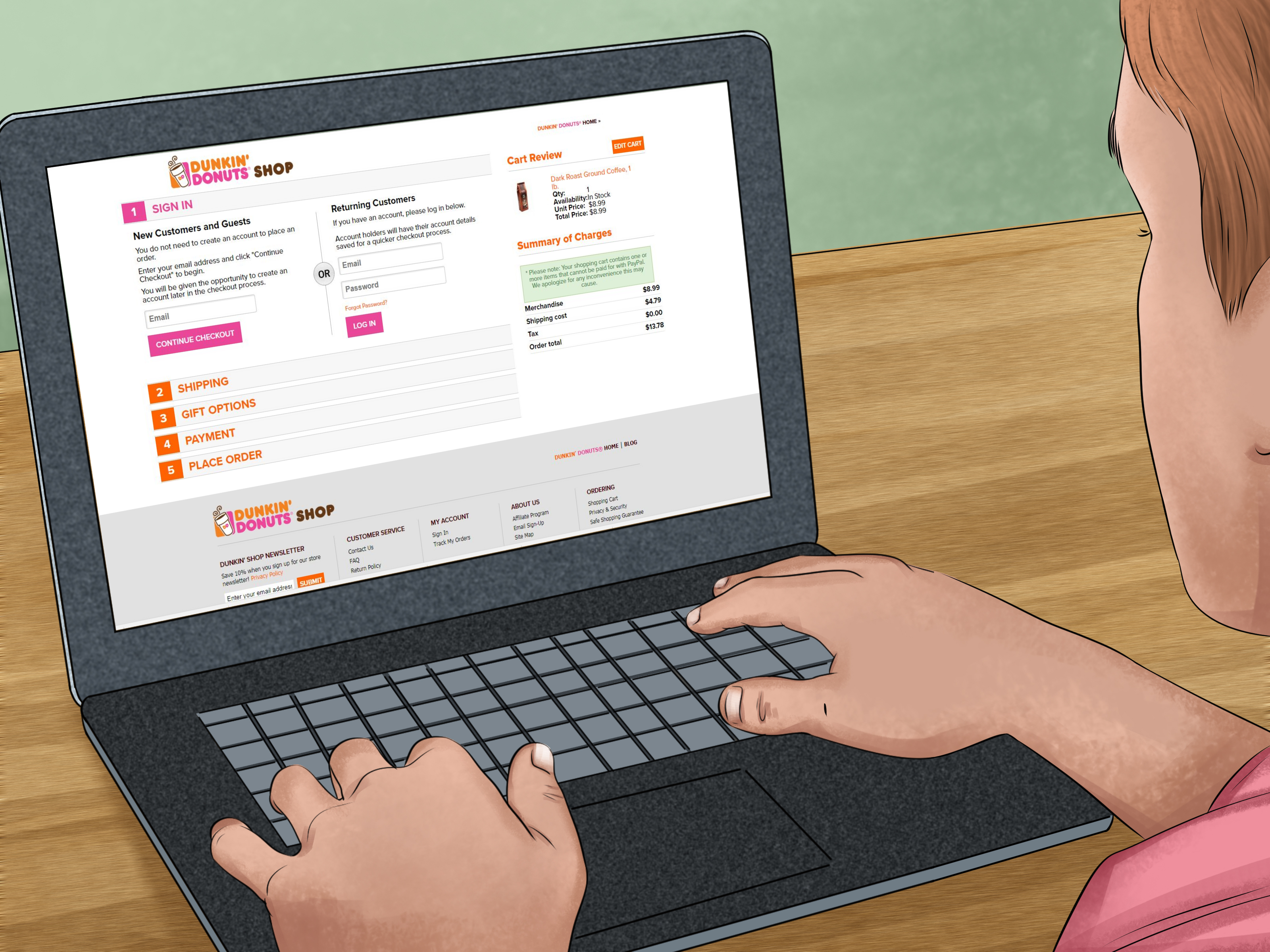
If you love speed, convenience, and avoiding lines before your brain has fully booted up, the Dunkin app is your friend. Dunkin’s app supports order-ahead pickup, lets you customize drinks in detail, save favorite orders, store favorite locations, and, according to current app descriptions, even schedule orders up to 24 hours in advance. That is a strong feature if your morning routine runs on autopilot and iced coffee.
Step 1: Open the App and Choose Your Store
Start by selecting a Dunkin location. This part matters because store features vary. Some locations support in-store pickup, some support drive-thru pickup, some offer curbside, and some may have limited menu availability. If you are not sure which location is best, choose the one that matches how you want to pick up the order.
Step 2: Pick Your Pickup Method
Depending on the store, you may be able to choose:
- In-store pickup
- Drive-thru pickup
- Curbside pickup
This is where the app can beat in-person ordering. You can decide how you want to grab your coffee before you even leave the house, which is great when your schedule is tight and your patience is not available for comment.
Step 3: Build Your Drink
Once you are in the menu, choose your coffee category. You will usually see classic coffee options, espresso drinks, teas, frozen drinks, and seasonal items. Tap your drink, then customize it.
Here is where the app shines. Dunkin says there are more than 14,000 ways to customize your order, and honestly, that tracks. You can adjust size, temperature, dairy, sweetener, flavor, and extras without holding up a line behind you. That makes the app ideal for picky drinkers, new customers, and anyone who likes to compare options before committing.
Step 4: Review Your Order Carefully
Before you check out, read the order one more time. Make sure your drink says hot or iced, includes the right milk, and matches your sweetness level. This is the last checkpoint before the coffee gods lock in your choices.
If you order the same thing often, save it as a favorite. That way, next time you can reorder in seconds instead of rebuilding your masterpiece from memory.
Step 5: Pay and Place the Order
You can typically pay through the app with a Dunkin Card, credit card, debit card, and certain mobile wallet options, depending on device and setup. Dunkin also promotes auto-reload for Dunkin Cards, which can be handy if you are a frequent customer and do not want to realize your balance is empty while standing two feet away from coffee.
Step 6: Pick It Up and Keep Moving
Once your order is placed, head to the store and use the pickup method you selected. App ordering is especially useful during busy commuting hours because it reduces the time you spend deciding, paying, and waiting at the front of the line.
In Person vs. On the App: Which One Is Better?
There is no universal winner. The best option depends on your mood, your schedule, and how complicated your order is.
Choose In Person If:
- You want to ask questions before ordering.
- You are making a simple, fast order.
- You prefer paying at the register.
- You want to adjust something verbally.
- You are already at the store and there is no line.
Choose the App If:
- You want to skip the line.
- You like detailed customization.
- You order the same drink often and want to save favorites.
- You want rewards, offers, or bonus-point promotions in one place.
- You want to schedule ahead when supported.
In practical terms, the app is often better for weekday mornings, while in-person ordering is great when you are improvising, browsing, or grabbing a quick coffee without planning ahead.
How to Customize Like You Actually Know What You’re Doing
Customization is where most people either become coffee geniuses or accidentally create a dessert wearing a coffee disguise. Dunkin’s menu is made to order, so use that flexibility wisely.
Smart Customization Tips
- Start simple: Pick one milk choice and one flavor before adding extra toppings or extras.
- Match the drink to your goal: Classic coffee for a no-fuss cup, cold brew for a smoother chilled option, latte for something creamier, espresso drink for a stronger feel.
- Be realistic about sweetness: If you already use a flavor swirl, you may not need extra sugar.
- Use saved favorites: The app makes repeat ordering much easier when you find a combination you love.
- Remember location differences: Some stores may have limited menus or varying availability.
Sample Dunkin Orders
Need ideas? Try these straightforward examples:
- Classic commuter order: Medium hot coffee with cream and one sugar
- Summer rush order: Large iced coffee with milk and light sweetener
- Smoother coffee order: Medium cold brew with cream, unsweetened
- Creamy café-style order: Small iced latte with oat milk
- Minimalist order: Large black coffee, no sugar
You do not need a wild, secret-menu-level creation to order well. Most great coffee orders are simple, balanced, and easy to repeat.
Rewards, Deals, and Payments: What Helps You Get More for Your Money
If you order Dunkin often, joining Dunkin Rewards is usually worth it. Current official materials say members earn 10 points per dollar spent on qualifying purchases in-store and in the app. Members who hit qualifying visit thresholds can unlock Boosted Status for faster point earning, and the app also highlights member offers and occasional bonus-point promotions.
That matters because the app is not just an ordering tool. It is also where Dunkin concentrates a lot of its loyalty experience. In recent years, Dunkin has promoted order-ahead bonuses, app-exclusive items, and rotating member deals through the app. Translation: if you enjoy discounts, freebies, or the thrill of feeling like you cracked a coffee cheat code, the app is where the action usually is.
One thing to remember: not every order type works the same for rewards. For example, current official FAQs note that delivery is not eligible for earning or redeeming rewards. So if you are chasing points, pickup orders are usually the smarter move.
Mistakes to Avoid When Ordering Dunkin Coffee
- Forgetting to say hot or iced. This is not a tiny detail. This is the detail.
- Skipping the milk choice. “Coffee with milk” is clearer than hoping the universe fills in the blank.
- Over-customizing on your first try. Start with a base version, then tweak it next time.
- Choosing the wrong pickup method in the app. Double-check before you pay.
- Ignoring the order review screen. A two-second review can save a full-sized disappointment.
- Assuming every store has every feature. Pickup options and menu availability can vary by location.
Best Strategy for First-Time Dunkin Customers
If this is your first Dunkin coffee order, do not try to be fancy. Go with a medium size, choose hot or iced, pick either regular coffee or a latte, then choose one dairy option and one sweetness option. That gives you a drink you can actually judge.
A first-timer order could be:
“Medium iced coffee with cream and one sweetener.”
Or:
“Small hot latte with whole milk.”
Once you know whether you want it stronger, sweeter, creamier, or less sweet, your second order becomes much easier. Think of the first one as research, but with caffeine.
Experience Section: What Ordering Dunkin Feels Like in Real Life
Ordering Dunkin coffee is not just about pressing buttons or saying the right words. It is also about the experience around it, and that is where the whole thing becomes oddly personal. The best Dunkin orders usually happen when the process fades into the background and your routine just works.
Picture a weekday morning. You are half awake, your inbox is already rude, and the only noble goal you have before 9 a.m. is getting coffee into your hands with minimal drama. In that moment, the app feels like a tiny act of self-respect. You open it, tap your saved favorite, choose drive-thru pickup, and by the time you get to the store, your order is already in motion. No awkward pause at the speaker. No forgetting whether you wanted cream or milk. No line-induced pressure. Just efficiency. It is not glamorous, but it is beautiful.
Then there is the opposite experience: the spontaneous Dunkin run. Maybe you are out with friends, maybe you are on a road trip, maybe you just passed a location and thought, “Yes, today is an iced coffee day.” In those moments, ordering in person wins because it feels casual and flexible. You can look at the menu, ask what is new, change your mind halfway through, or add a snack at the last second because suddenly a donut sounds emotionally necessary.
The drive-thru has its own energy too. It is fast, practical, and a little chaotic in the most American way possible. You pull up, say your order, roll forward, and hope you sounded more coherent than you felt. When it goes well, it feels like a tiny victory. When you remember your exact order without hesitation, you briefly become the kind of person who seems to have life under control. Even if the rest of your day says otherwise.
The app experience is different. It is quieter. More deliberate. It gives you room to think. That matters because a lot of people do not actually know what they want until they see the options in front of them. On the app, you can compare drinks, check the menu, browse seasonal items, and make adjustments without the invisible pressure of a line behind you. For introverts, overthinkers, and people who do not enjoy making decisions in public, that is a surprisingly big benefit.
There is also something satisfying about having a “usual.” Once you save a favorite order, Dunkin becomes part of your rhythm. You stop treating coffee like a daily puzzle and start treating it like a reliable tool. That consistency is probably why so many people stick with the same order for months. It is not boring. It is efficient. Your coffee becomes one less thing to negotiate with the world about.
And honestly, that is the real beauty of learning how to order Dunkin coffee well. It is not just about getting caffeine. It is about reducing friction in a small but meaningful part of your day. Whether you order in person with total confidence or tap your way through the app like a mobile-ordering champion, the goal is the same: get what you want, get it fast, and enjoy the first sip like you earned it. Because you did.
Final Thoughts
Learning how to order Dunkin Donuts coffee, whether in person or on the app, is mostly about clarity. Know your drink, choose your size, decide how sweet and creamy you want it, and pick the method that fits your day. In-person ordering gives you flexibility and quick conversation. The app gives you control, saved favorites, order-ahead convenience, and easy access to rewards and offers.
If you are in a rush, use the app. If you are exploring the menu, order in person. If you are brand-new to Dunkin, keep it simple. And if you ever panic at the counter, just remember this: start with size, say hot or iced, name the drink, then add your preferences. That one trick will carry you a long way.
Now go order your coffee like a person who absolutely did not rehearse it in advance.
SEO Tags